

@hyperfrontend/
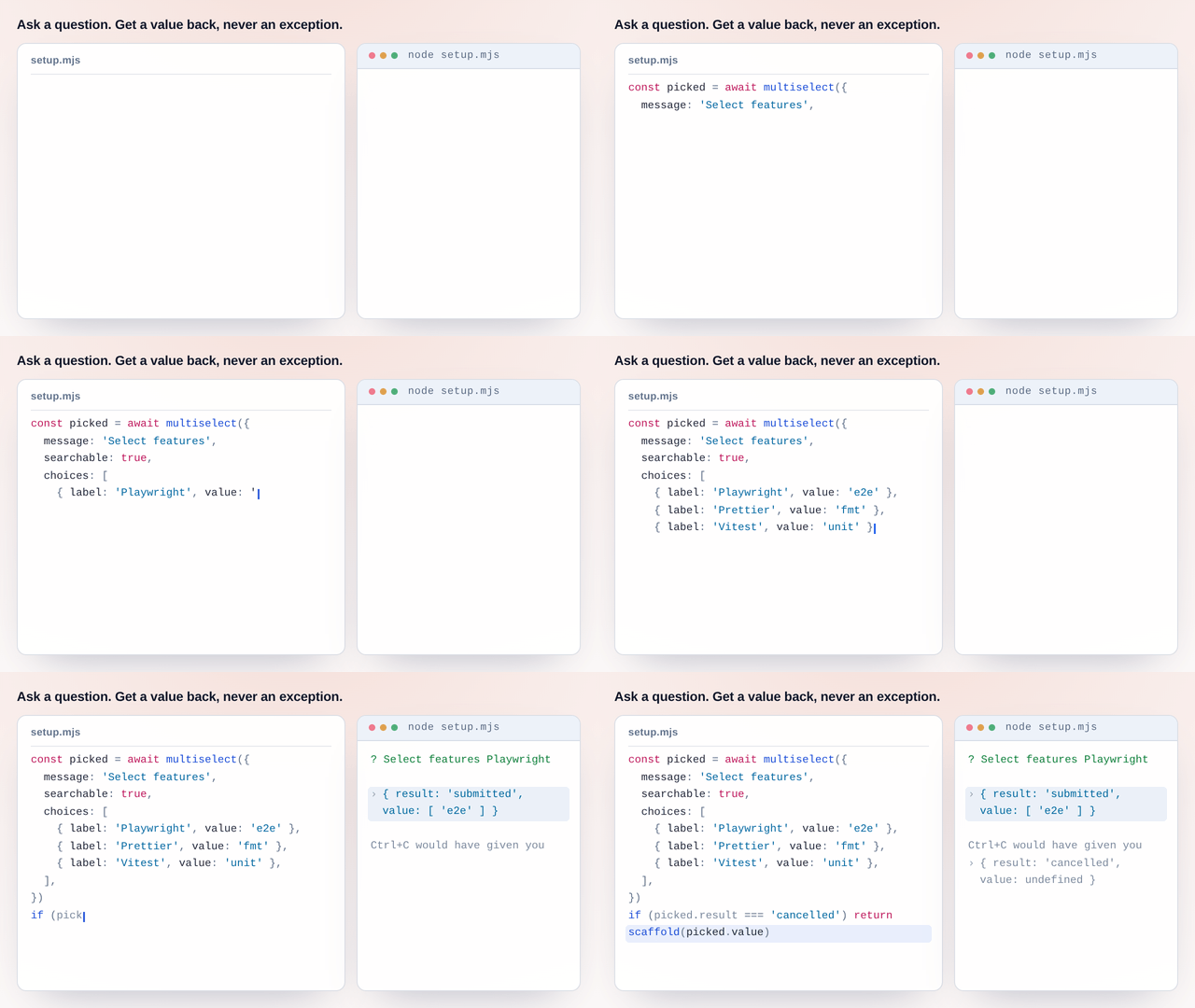
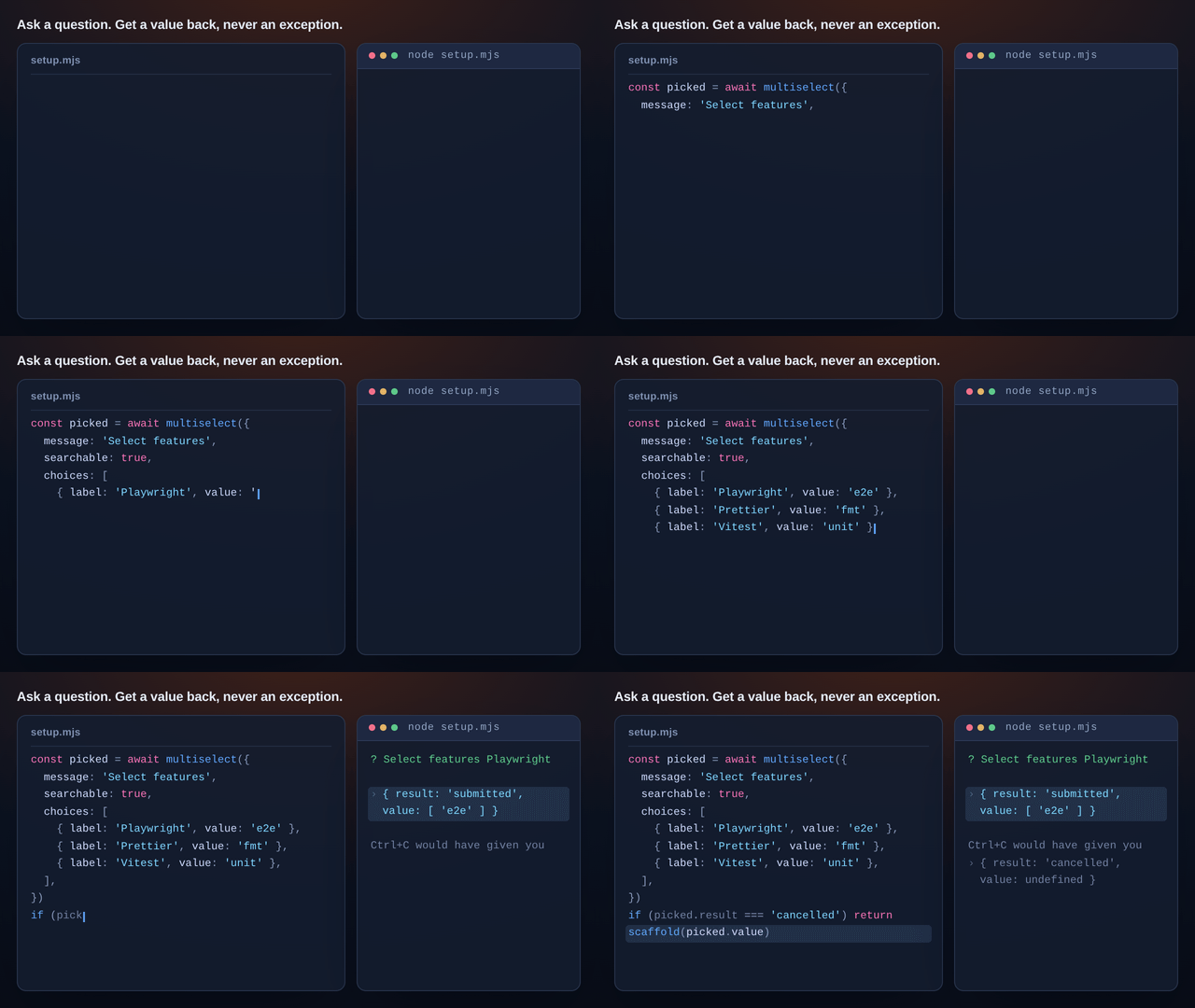
Terminal prompting library with composable, functional API for text, select, confirm, and multiselect prompts
What is @hyperfrontend/questions?
A terminal prompting library built on functional programming principles. Create interactive CLI experiences with composable, type-safe prompts that return structured outcomes.
Key Features
Pure Functions
Every prompt is a pure function returning
Promise<PromptOutcome<T>>, making results predictable and easily testableBuild complex interactive flows by combining simple prompt functions
Full TypeScript support with discriminated unions for prompt outcomes
Zero External Dependencies
Uses only Node.js built-ins and
@hyperfrontendutilitiesType-to-filter functionality for large option lists
Clipboard Paste
Bracketed paste mode on TTYs (with a multi-character-chunk fallback elsewhere); pasted text is sanitized, and a bracketed paste never auto-submits
End of input is a cancellation
when the input stream ends, a waiting prompt resolves as cancelled instead of waiting for a key that can never arrive
Unanswerable configurations throw
a choice prompt with no choices, or a starting index outside its list, rejects with an error rather than painting a frame nothing can answer
Resize-Aware Rendering
Prompts hard-wrap to the terminal width and repaint on resize, preserving value, cursor, selection, and validation state
Why Use @hyperfrontend/questions?
When building CLI tools, you need interactive prompts that are:
- Predictable: Know exactly what a prompt returns, always
- Composable: Chain prompts without callback hell
- Cancellable: Handle Ctrl+C gracefully with structured cancellation
- Lightweight: No large dependency trees for simple prompts
This library provides all four while staying true to functional programming principles.
Installation
npm install @hyperfrontend/questionsQuick Start
import { text, confirm, select, multiselect, PromptResult } from '@hyperfrontend/questions'

// Text input
const nameResult = await text({
  message: 'What is your name?',
  validate: (value) => (value.length < 2 ? 'Name too short' : undefined),
})

if (nameResult.result === PromptResult.Submitted) {
  console.log(`Hello, ${nameResult.value}!`)
}

// Text input with a live label; `renderMessage` is recomputed on every keystroke
import { style } from '@hyperfrontend/questions'

await text({
  message: 'Title:',
  renderMessage: (value) => {
    const left = 72 - value.length
    return `Title (${left >= 0 ? style.green(`${left} left`) : style.red(`${-left} over`)}):`
  },
})

// Confirmation
const continueResult = await confirm({
  message: 'Continue?',
  initial: true,
})

// Single select
const colorResult = await select({
  message: 'Pick a color:',
  choices: [
    { label: 'Red', value: 'red' },
    { label: 'Green', value: 'green', hint: 'recommended' },
    { label: 'Blue', value: 'blue' },
  ],
})

// Multiselect with search
const featuresResult = await multiselect({
  message: 'Select features:',
  choices: [
    { label: 'TypeScript', value: 'ts' },
    { label: 'ESLint', value: 'eslint' },
    { label: 'Prettier', value: 'prettier' },
  ],
  searchable: true,
  min: 1,
})
API Overview
Four prompts, one shape. text, confirm, select and multiselect each take a config object and resolve to the same discriminated union, so the code that reads an answer is the same code whichever question asked it:
type PromptOutcome<T> = { result: 'submitted'; value: T } | { result: 'cancelled'; value: undefined }Two things sit beside them. style is the ANSI colour helper the prompts use on their own labels, exposed so yours can match. And every config takes input and output streams, which is what makes a prompt testable without a TTY: hand it a pair of PassThroughs, write keystrokes into one and read frames out of the other.
Every config, option and outcome type is in the API reference.
Compatibility
Runs on
- Node.js>=18.0.0supported
- Browsersnot supported
- Web Workersnot supported
Ships as
- ESMTree-shakeable
- CJSNode and older bundlers
Architecture Highlights§
- Explicit outcomes: prompts resolve to either
{ result: 'submitted', value: T }or{ result: 'cancelled', value: undefined }, so Ctrl+C is an ordinary branch to handle rather than a rejection to catch - Terminal state is restored: raw mode is taken once for the whole prompt session and given back when it closes, on cancel as well as on submit
- Rendering assumptions: repainting on resize assumes a reflowing terminal, and display width is counted in code points, so east-asian double-width characters are out of scope
API Reference§
ƒFunctions
Pure functional prompt that asks a yes/no question and returns a boolean. Supports default values and responds to y/Y/n/N keys. A pasted
y/yes/n/no (trimmed, case-insensitive) is accepted; any other paste is ignored. The prompt repaints on terminal resize.Parameters
| Name | Type | Description |
|---|---|---|
§config | ConfirmConfig | Confirm prompt configuration |
Returns
Promise<Examples
Basic confirmation
const outcome = await confirm({ message: 'Continue?' })
if (outcome.result === 'submitted' && outcome.value) {
  console.log('Proceeding...')
}
With default value
const outcome = await confirm({
  message: 'Enable feature?',
  initial: true, // Default to yes
})Pure functional prompt with arrow key navigation, space to toggle, scrolling support, min/max constraints, and optional type-to-filter search. In searchable mode, pasted text appends its first line to the filter query; pasting never toggles or submits. The prompt repaints on terminal resize, preserving cursor, selection, and scroll state.
Parameters
| Name | Type | Description |
|---|---|---|
§config | MultiselectConfig< | Multiselect prompt configuration |
Returns
Promise<Examples
Basic multiselect
const outcome = await multiselect({
  message: 'Select toppings:',
  choices: [
    { label: 'Cheese', value: 'cheese' },
    { label: 'Pepperoni', value: 'pepperoni' },
    { label: 'Mushrooms', value: 'mushrooms' },
  ],
})
if (outcome.result === 'submitted') {
  console.log(`You selected: ${outcome.value.join(', ')}`)
}
With search and constraints
const outcome = await multiselect({
  message: 'Select features:',
  choices: features.map((f) => ({ label: f.name, value: f.id })),
  searchable: true,
  min: 1,
  max: 5,
})
Pre-selected values
const outcome = await multiselect({
  message: 'Select permissions:',
  choices: permissions,
  initial: [0, 2], // First and third choices pre-selected
})Pure functional prompt with arrow key navigation, scrolling support, optional disabled choices, and optional type-to-filter search. In searchable mode, pasted text appends its first line to the filter query. The prompt repaints on terminal resize, preserving cursor and scroll state.
Parameters
| Name | Type | Description |
|---|---|---|
§config | SelectConfig< | Select prompt configuration |
Returns
Promise<Examples
Basic select
const outcome = await select({
  message: 'Choose a color:',
  choices: [
    { label: 'Red', value: 'red' },
    { label: 'Green', value: 'green' },
    { label: 'Blue', value: 'blue' },
  ],
})
if (outcome.result === 'submitted') {
  console.log(`You chose: ${outcome.value}`)
}
With hints and disabled options
const outcome = await select({
  message: 'Select plan:',
  choices: [
    { label: 'Free', value: 'free', hint: '$0/month' },
    { label: 'Pro', value: 'pro', hint: '$10/month' },
    { label: 'Enterprise', value: 'enterprise', disabled: true },
  ],
  initial: 1, // Start on Pro
})
With search
const outcome = await select({
  message: 'Pick a project:',
  choices: projects.map((p) => ({ label: p.name, value: p.id })),
  searchable: true,
})Pure functional prompt that reads text from the user with support for default values, input validation, and display formatting. Pasted text is sanitized (newlines collapse to spaces, control characters are removed) and inserted at the cursor without ever auto-submitting. The prompt repaints on terminal resize, preserving value, cursor, and any validation error.
Parameters
| Name | Type | Description |
|---|---|---|
§config | TextConfig | Text prompt configuration |
Returns
Promise<Examples
Basic text input
const outcome = await text({ message: 'What is your name?' })
if (outcome.result === 'submitted') {
  console.log(`Hello, ${outcome.value}!`)
}
With validation
const outcome = await text({
  message: 'Enter email:',
  validate: (value) => {
    if (!value.includes('@')) return 'Must be a valid email'
    return undefined
  },
})
Password input with masking
const outcome = await text({
  message: 'Password:',
  format: (value) => '*'.repeat(value.length),
})◈Interfaces
Properties
Properties
Properties
Properties
Properties
Properties
Properties
◆Types
type PromptFunction = (type PromptOutcome = PromptSubmittedOutcome<type PromptResult = indexedAccess●Variables
Related reading§
- Tutorial
Build a setup wizard for your CLI
My CLI takes its setup from a wall of flags nobody remembers, and every attempt at an interactive version turns into raw-mode handling, signal handlers, and a validation branch after every question.
- How-to
How to test interactive prompts without a terminal
My CLI's prompts are the only part of it with no tests, because a test runner has no TTY to give them and driving raw keystrokes from a spawned process is more machinery than the code being tested.
- Getting started
Getting Started
Set HyperFrontend up and embed a first feature.
- Architecture
Architecture Guide
How the packages fit together.